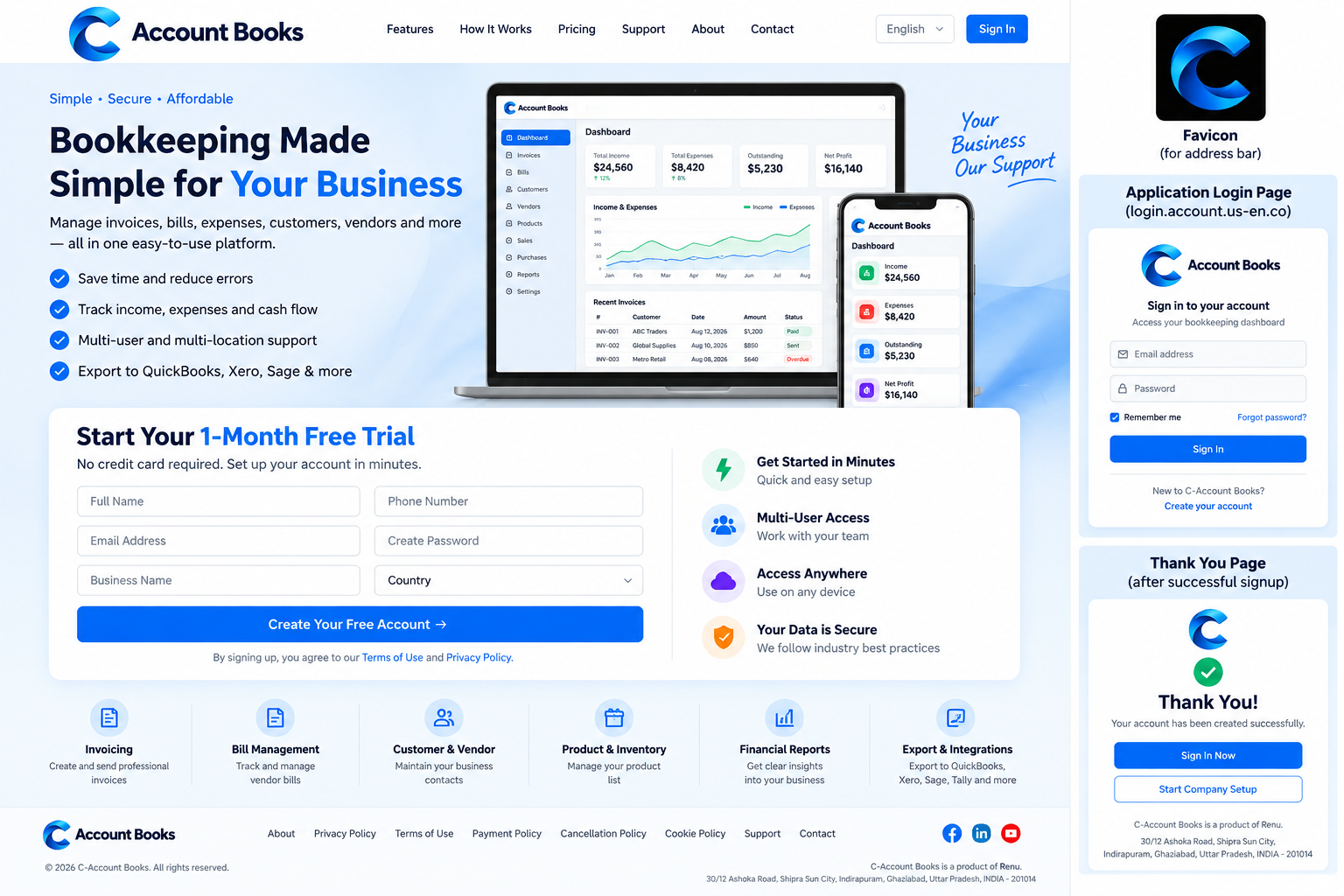
C-Account Books is designed as a straightforward bookkeeping workflow: create your company account, complete company setup, record business activity, review reports and export when needed.
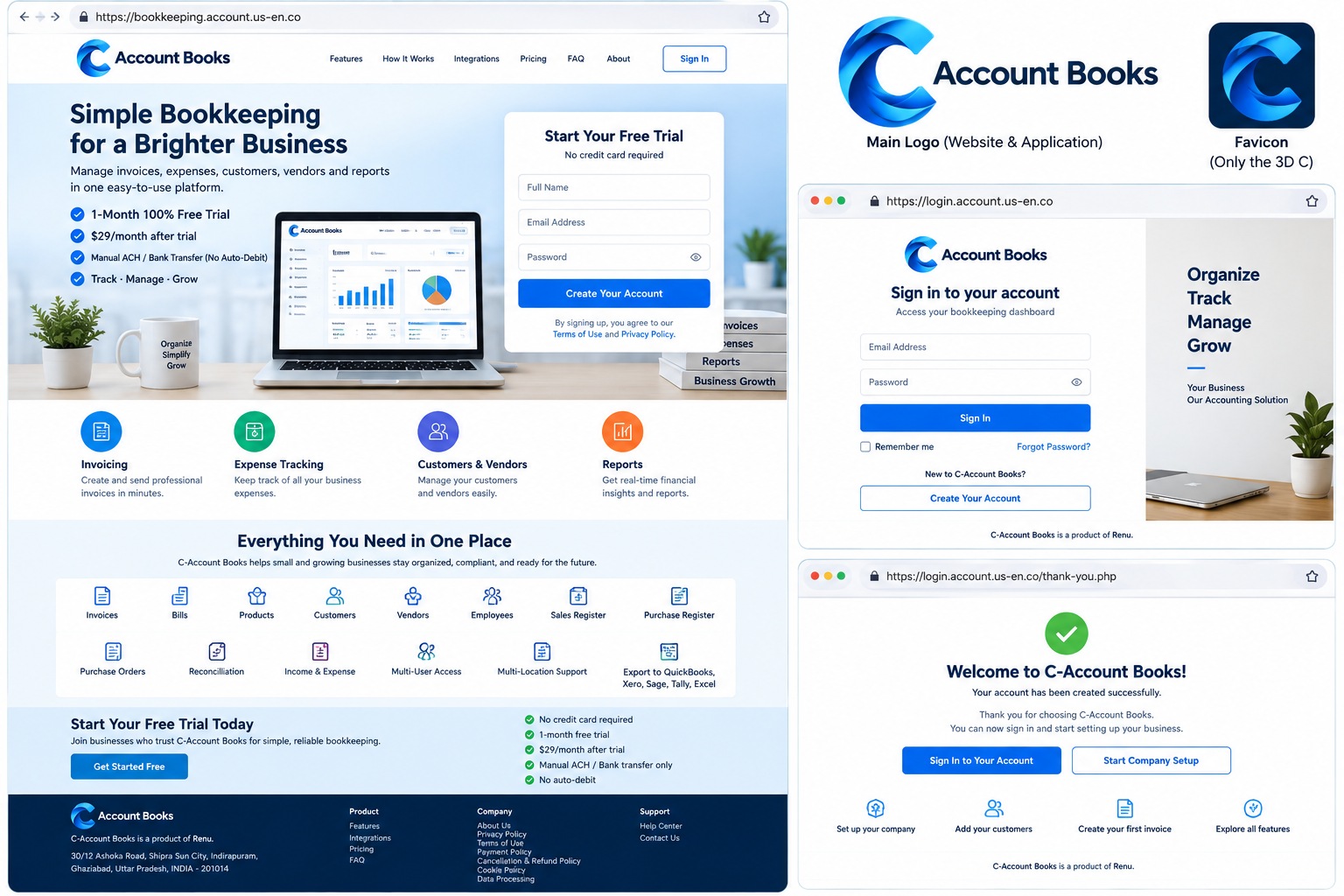
Create the company account using company name, signup email, phone number and address. The first month is free.
Add legal/DBA information, company logo, billing and shipping addresses, invoice and purchase-order settings, currency and other business details.
Create invoices and purchase orders, enter bills, maintain customers/vendors/products/employees, and record sales, purchases, income and expenses.
Compare statement balances with your recorded book balance. C-Account Books does not connect to a live bank feed.
Review your records and generate compatibility-oriented exports for QuickBooks, Xero, Sage and Tally workflows.
After the one-month free trial, continued access is $29/month. Pay manually by ACH/bank transfer; no auto-debit is created.
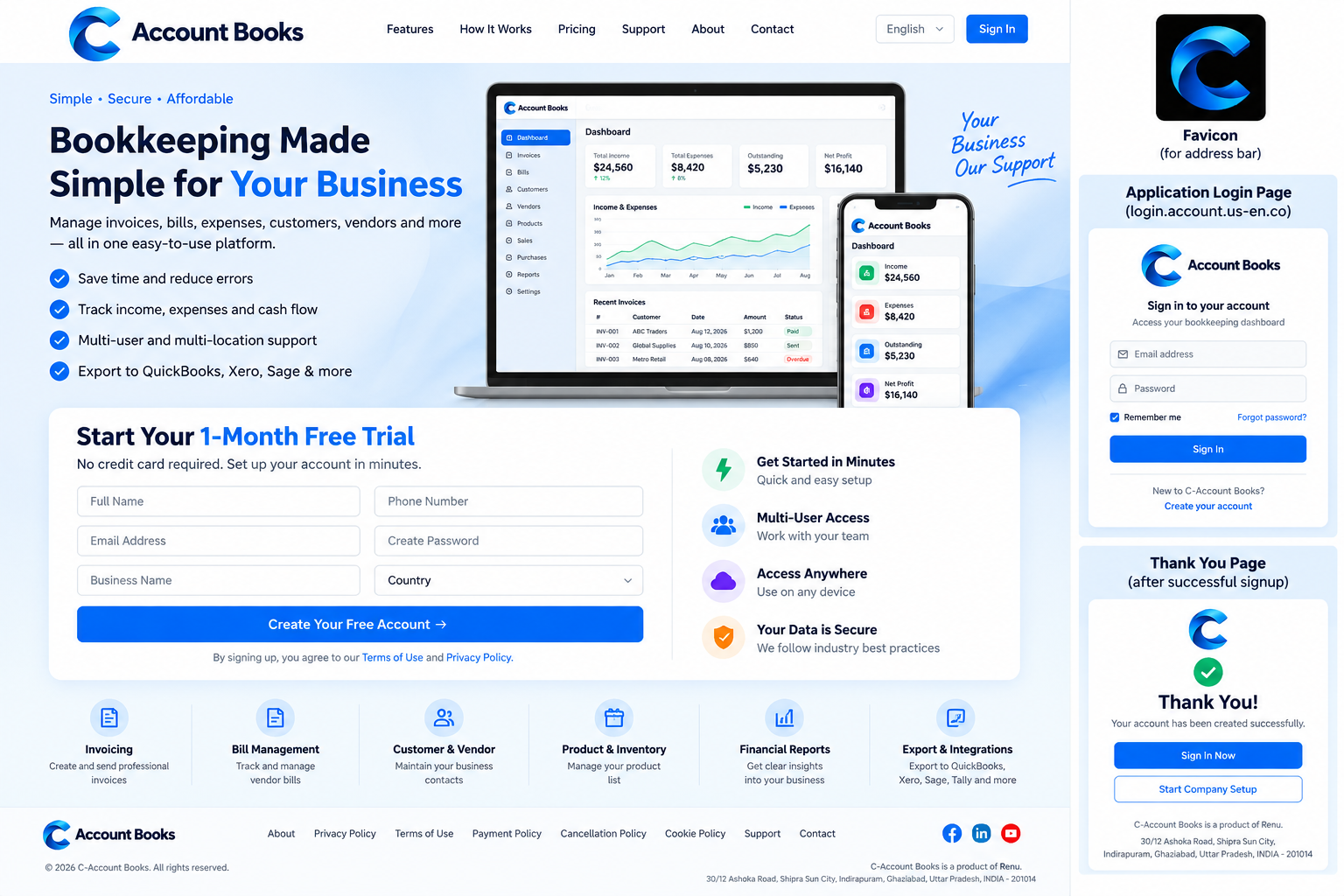
Record sales activity and customer invoices.
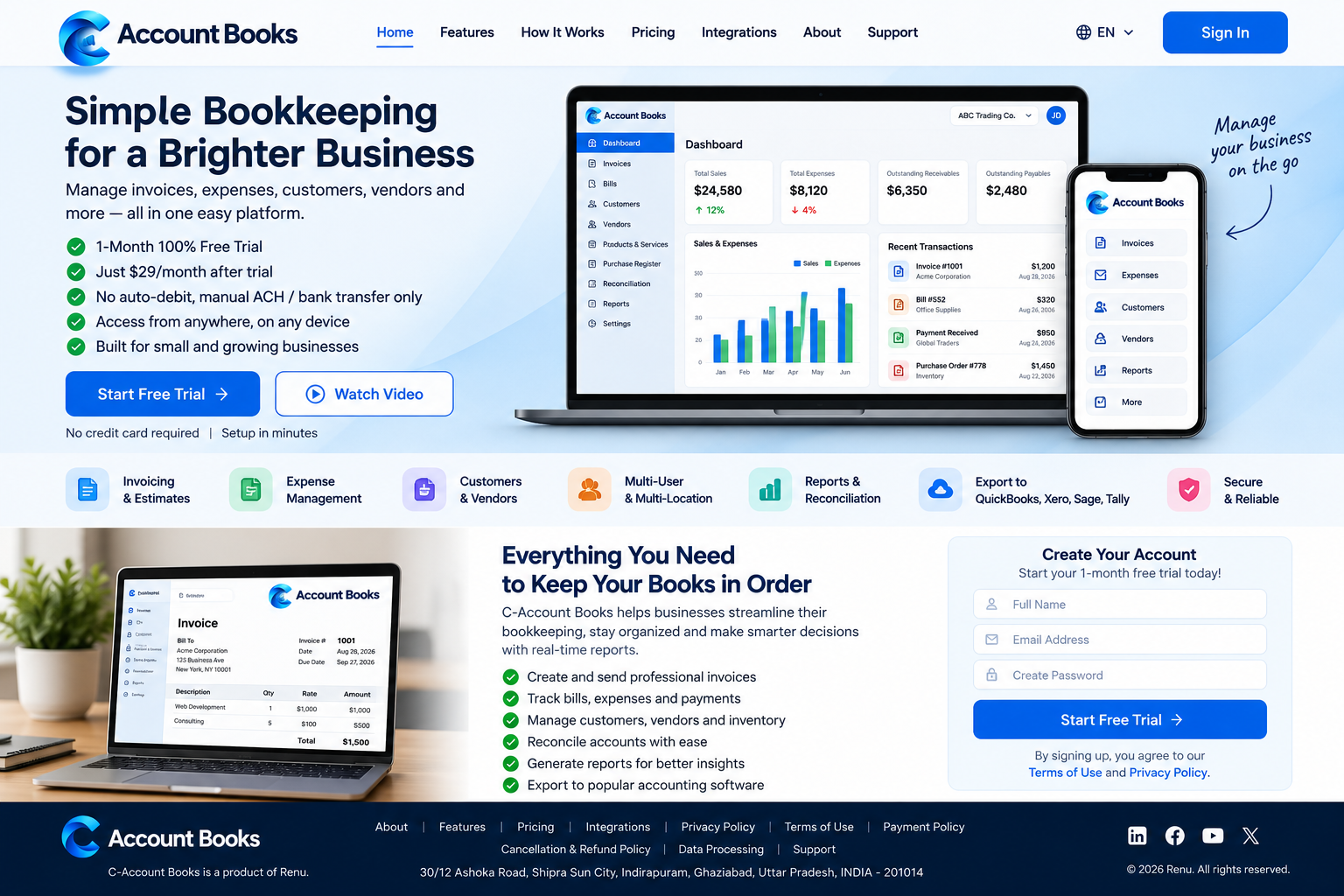
Record vendor bills and purchase orders.
Review and move data into supported accounting workflows.
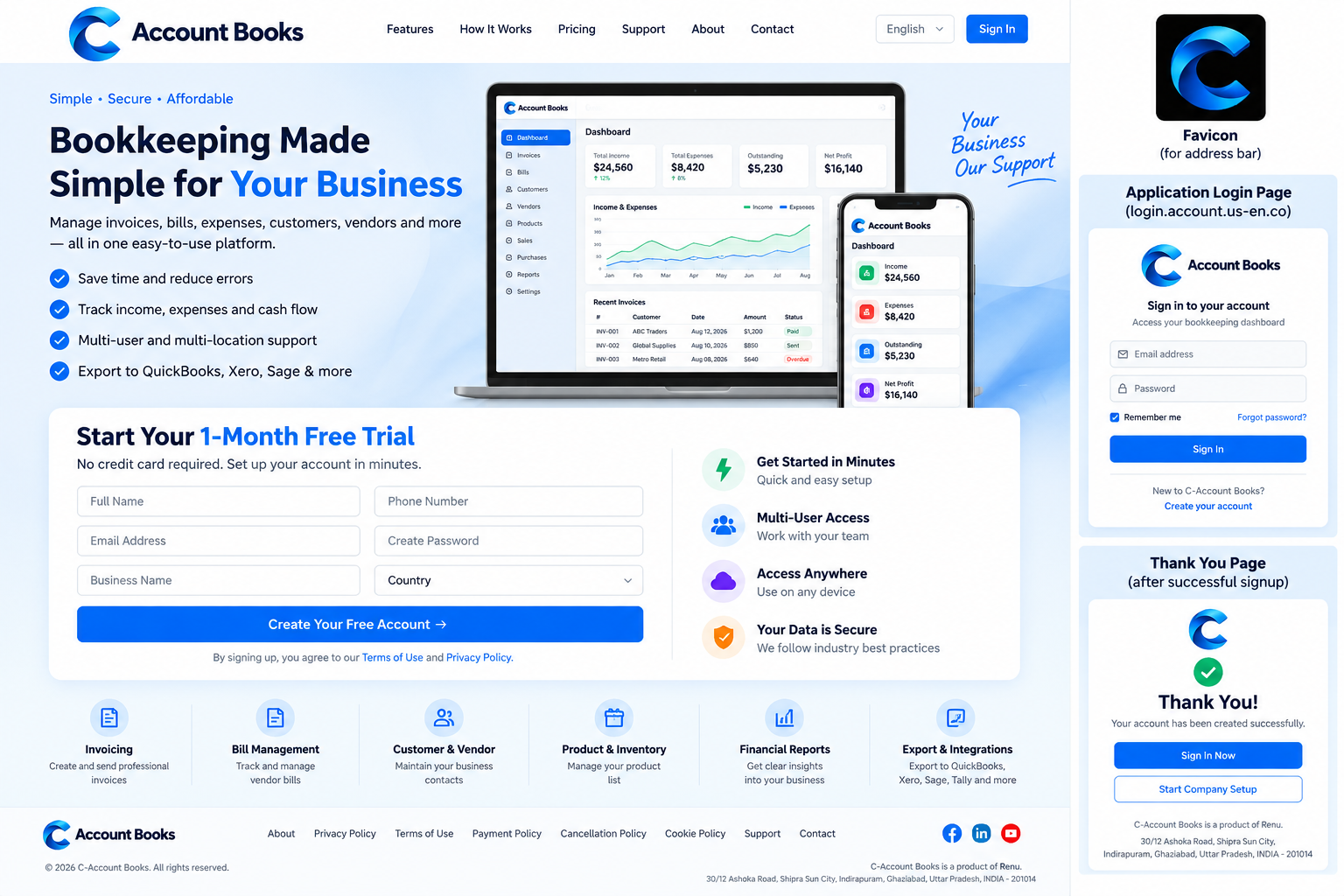
Examples of invoicing, team collaboration and business reporting. Screen content is illustrative of the product's recordkeeping functions.